Animation System
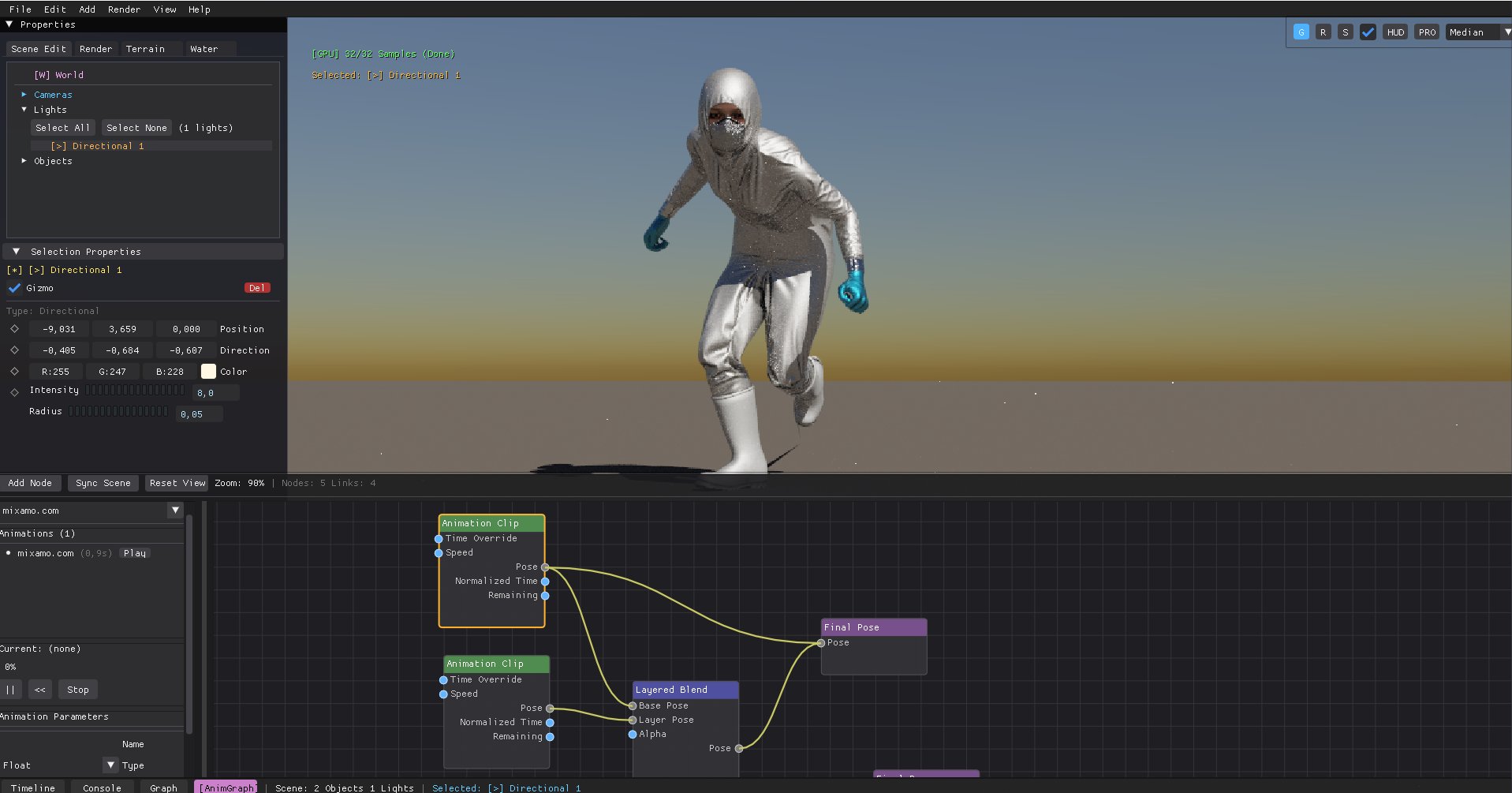
docs/images/anim_header.jpg
1. Timeline & Property Keyframing

RayTrophi features a powerful timeline for animating object transforms, light intensities, and material parameters. Use the Diamond Icon (Keyframe) button next to properties to capture state at the current frame.
- Scrubbing: Real-time viewport updates while dragging the playhead.
- Interpolation: Smooth linear or spline-based transitions between keyframes.
- Looping: Define custom playback ranges for iterative design.
2. Character Skinning & Bone Deformation
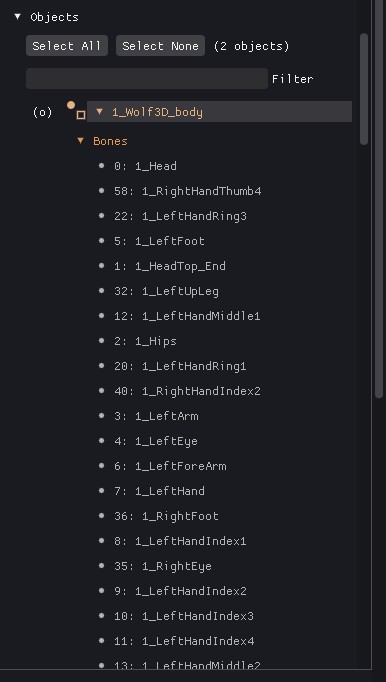
Support for skeletal meshes and vertex skinning (up to 4 bones per vertex प्रभाव).
| Feature | Description |
|---|---|
| Bone Hierarchy | Full support for parent-child bone relationships and matrix transforms. |
| GPU Skinning | Hardware-accelerated vertex deformation via Optix and CUDA. |
| Hair Sync | Dynamic hair strands automatically follow the animated mesh surface using Root-UV skinning. |
3. Advanced Anim Graph (Logic & Blending)
The Anim Graph system allows for sophisticated character logic using a state-machine based approach.
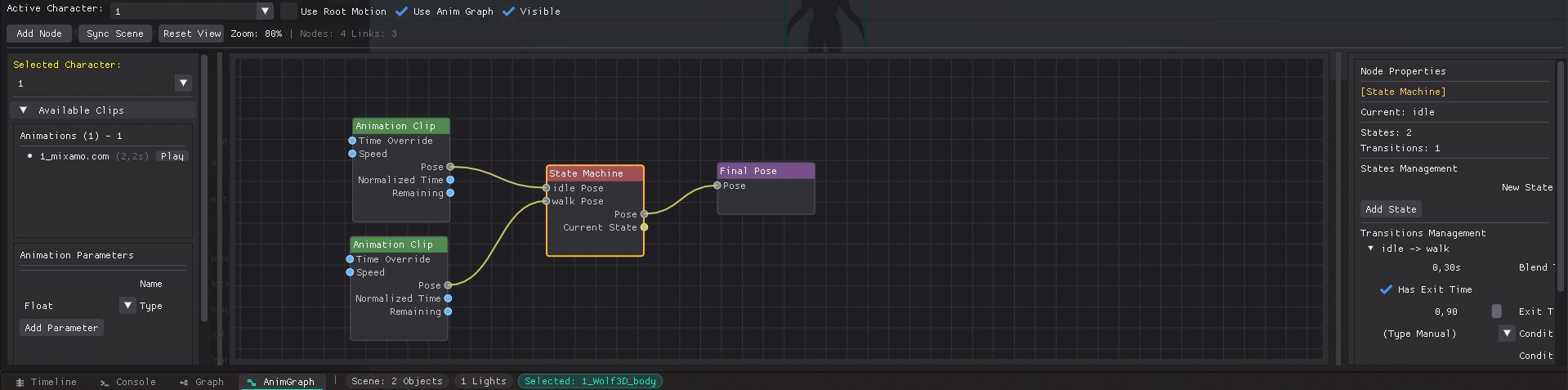
State Machines & Node Editor
Define logic flows between states like Idle, Walk, and Run with custom transition rules in the visual node graph.
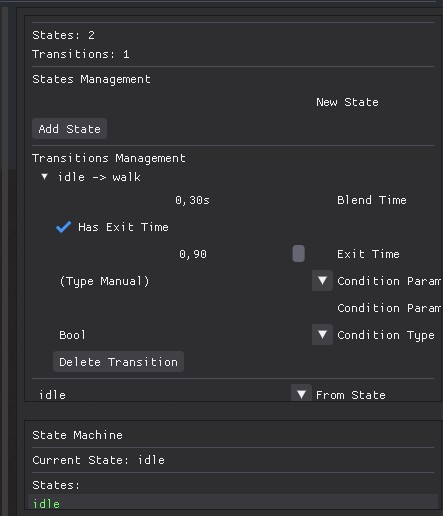
Parameters & Blending
Seamlessly blend multiple animations based on parameters like Speed or
Direction using the intuitive parameters panel.
- Float: Smooth blending (e.g., Velocity).
- Bool: Conditional states (e.g., IsFalling).
- Trigger: One-time events (e.g., Attack/Jump).